The short version
- To avoid that pit-in-your-stomach feeling when you realize you've forgotten to renew your own domain (been there, done that, got the stress ulcer)
- To snatch up domains with existing authority that other people have dropped the ball on
- To beat competitors to potentially valuable domains before they even realize what they're missing
On this page9 sections
OK, so last month I completely forgot about renewing one of my client's domains. Nightmare situation. Luckily, I caught it during the grace period, but it was way too close for comfort. That got me thinking – how many other web designers are out there playing with fire when it comes to domain expiration?
Understanding Domain Expiration
Look, domain expiration isn't rocket science, but it's something tons of people mess up. Your domain is basically rented, not owned – shocking to some clients when I explain this! You pay for 1-10 years, and if you forget to renew, you're basically handing over your digital real estate to whoever's paying attention.
I check domain expiration dates for three main reasons:
- To avoid that pit-in-your-stomach feeling when you realize you've forgotten to renew your own domain (been there, done that, got the stress ulcer)
- To snatch up domains with existing authority that other people have dropped the ball on
- To beat competitors to potentially valuable domains before they even realize what they're missing
Why Domain Expiration Matters
-
The "Oh Crap" Moment
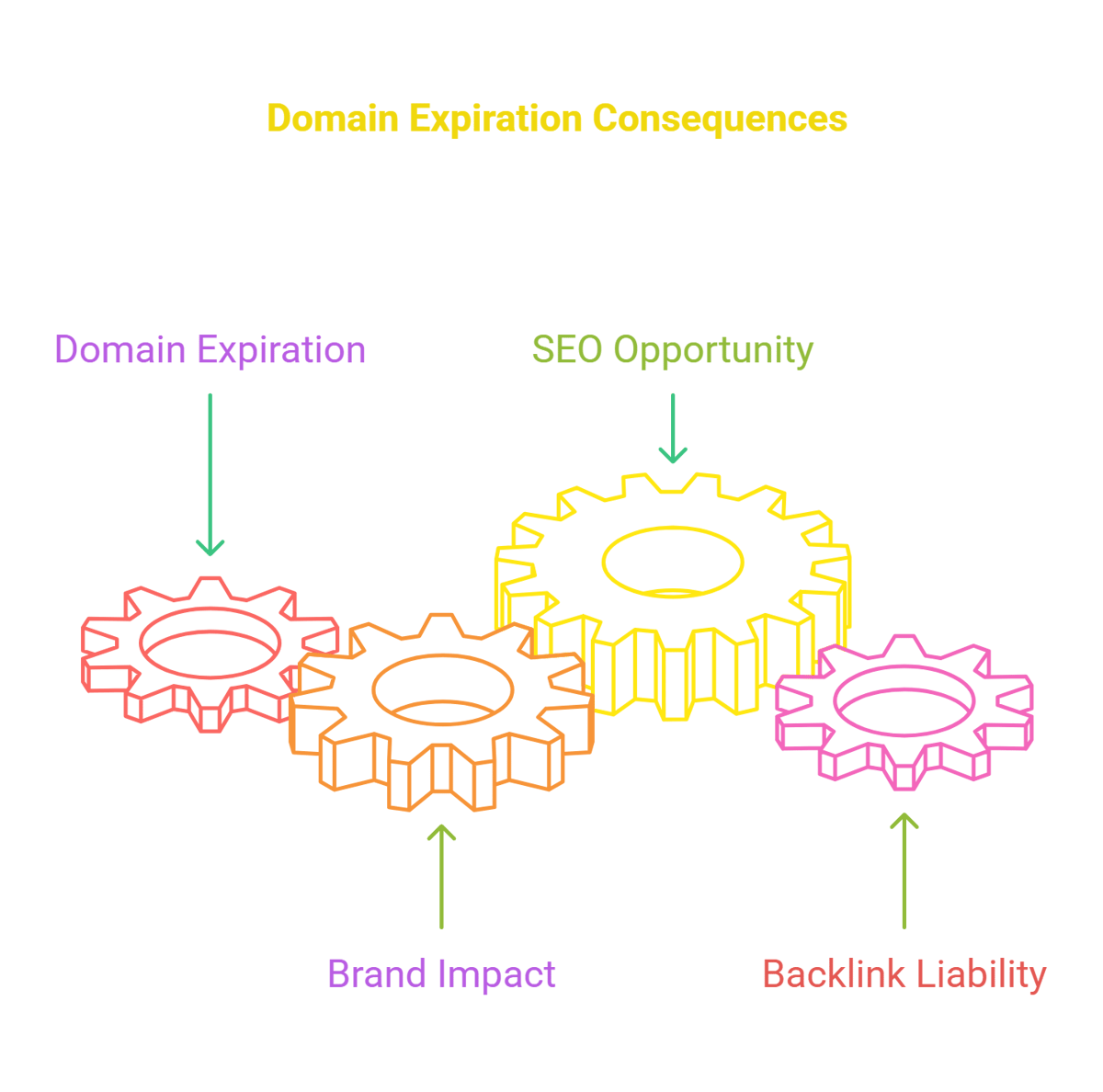
So picture this – you've spent years building your brand around yourawesomebusiness.com. You've got business cards, branded merch, email signatures... then one day your site goes down. Turns out your renewal emails went to spam, and some domain flipper in who-knows-where just snagged your domain. I've literally seen a local restaurant here in Portland have to completely rebrand because of this exact scenario. Not. Worth. It.
-
The SEO Treasure Hunt
Back in 2022, I was poking around expired domains and found one that used to be a popular cooking blog from 2015-2019. The owner had moved on, but the domain still had links from Food Network, Tasty, and a bunch of other food sites. I grabbed it for the registration fee and turned it into a client's new recipe site. Within 3 months, they were ranking for terms that would've taken years to rank for organically. Sometimes it feels like cheating, but hey, that's the game.
-
The Backlink Disaster
My buddy Jake runs an outdoor gear review site. He had this massive traffic spike from a backlink on what used to be a popular hiking forum. When that forum's domain expired, some sketchy pill company bought it. Overnight, that valuable backlink became a liability. Jake's traffic tanked until Google recrawled everything. Lesson learned the hard way.
How to Check Domain Expiration Dates
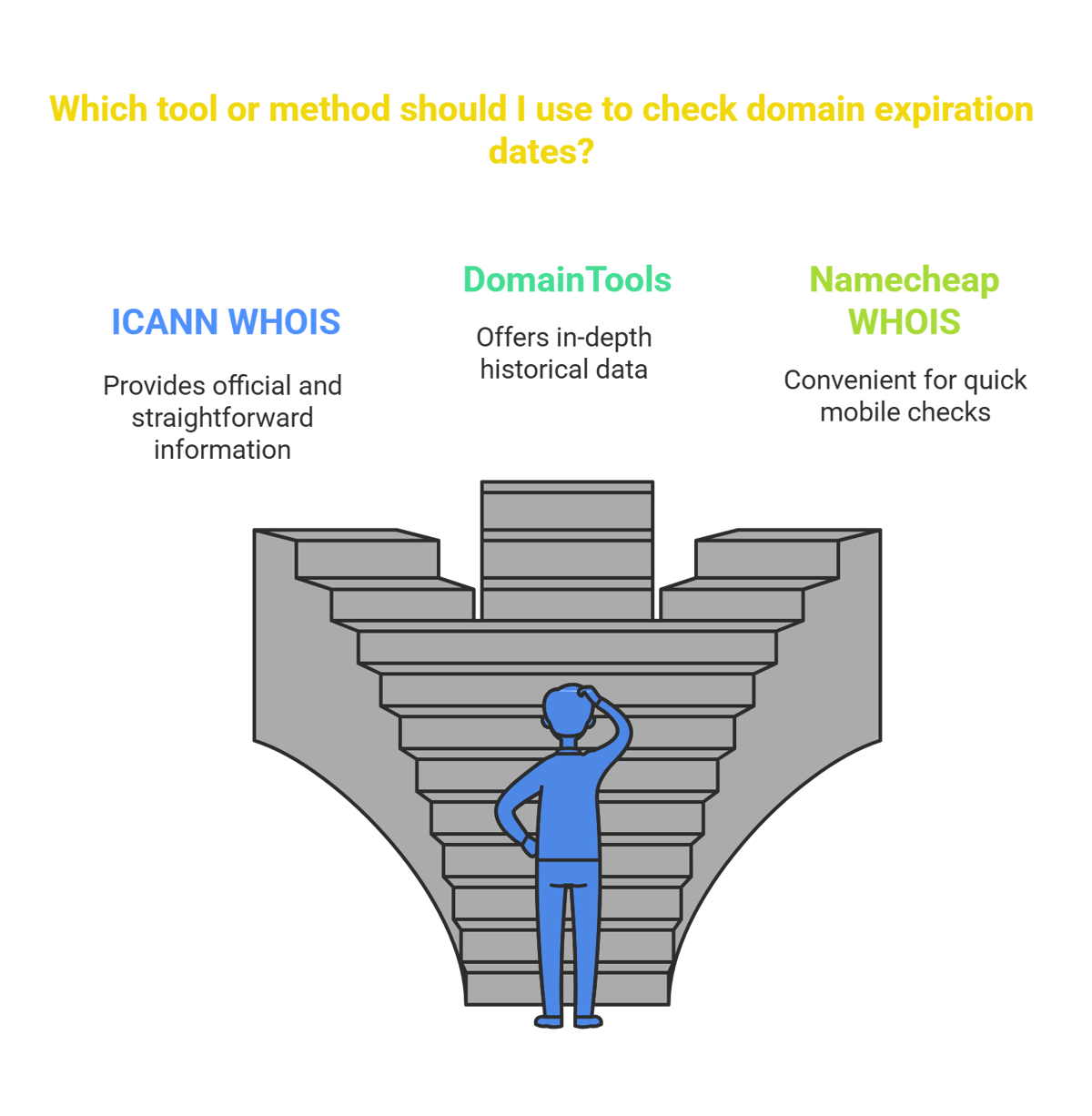
I've tried literally every WHOIS tool out there (slow day at the office, what can I say). Here's what I actually use now:
- ICANN WHOIS when I need the official, no-frills info
- DomainTools when I'm looking deeper into history and need the extra data
- Namecheap WHOIS when I'm quickly checking stuff on my phone
Pro tip: most WHOIS privacy services still show expiration dates even when they hide owner info.
For hunting expired domains specifically, I've wasted way too much money on fancy tools. Honestly, just set up alerts on GoDaddy Auctions or NameJet. They'll email you when domains matching your criteria are about to drop.
If you're serious about this (like, it's-becoming-an-obsession serious), ExpiredDomains.net is my go-to. Their filtering is insane – you can get super specific about metrics, niche, traffic patterns, you name it. I probably shouldn't be sharing this because it's already competitive enough, but whatever.
Making Expired Domains Work for Your SEO
Let me tell you about my client Sarah. She runs a financial advice blog for millennials. We found an expired domain that used to be a popular finance calculator site. It had backlinks from NerdWallet, Bankrate, and even a few .edu sites. We 301-redirected it to her site, and her domain authority jumped from 34 to 41 in just over a month. Her organic traffic is up 112% since January.
Sometimes I'll build out a completely new site on an expired domain. Did this for a pet supply client – found an expired domain that used to be a dog training blog. Instead of just redirecting, we created a content hub all about dog training and linked it to the main e-commerce site. Now they're ranking for all these informational keywords they couldn't touch before.
The redirect strategy is honestly the easiest. I was helping this local bakery that couldn't rank for anything competitive. Found an expired domain that used to be a recipe site with decent authority, set up the 301 redirect to their homepage, and boom – suddenly they're showing up for "best sourdough in [city]" searches.
A caution from SEOs who vet domains for a living
Expired domains carry real risk, and experienced link builders treat a suspiciously strong-looking one as a red flag, not a bargain. In an r/SEO thread on evaluating backlinks, one shared exactly what to watch for:
"A brand new site that skyrocketed its traffic/dr is usually from buying an expired domain which can be a signal of a low quality/spammy site that may not last." (u/rpmeg, r/SEO)
The lesson cuts both ways. If you are buying an expired domain, its past authority can evaporate the moment Google reassesses it, especially if the previous owner used it for spam, so the history matters as much as the current metrics. And if you are evaluating a site that wants to link to you, an unnaturally sudden rise in DR is a hint it may be a rebuilt expired domain rather than an organically earned one. Check the domain's real history, not just today's score, before you rely on it either way. The best practices below build on that principle.
Best Practices for Using Expired Domains
I made a colossal mistake when I first started doing this. Bought a domain with tons of backlinks without actually checking what those backlinks were. Turned out they were all from sketchy pill sites, gambling forums, and link farms. Absolute garbage. Now I obsessively check backlink profiles using Ahrefs or BacklinkBot.ai before even considering a purchase.
The Wayback Machine has saved me from so many bad purchases. This one time, I found what looked like a perfect expired domain for a client. Great metrics, relevant niche, tons of backlinks. Checked it on Wayback Machine and... yikes. It had been a fake news site spreading conspiracy theories. Hard pass.
Relevance is something people overlook. Just because a domain has good metrics doesn't mean it's right for your site. Google isn't stupid – they notice when an artisanal cheese blog suddenly becomes a software development company. I only go after domains that logically connect to my client's industry.
Before I drop any cash, I check:
- DA (anything under 20 isn't usually worth the hassle)
- Total referring domains (I want at least 30 unique sites linking)
- Traffic estimates from SEMrush or Ahrefs
- Whether it's been penalized (sometimes harder to spot, but unusual traffic drops are a red flag)
Oh, and I learned about trademark issues the hard way too. Grabbed an expired fitness domain without realizing the name was super similar to a trademarked fitness program. Got a cease and desist three weeks later. Now I always do a quick trademark search first.
How to Secure an Expiring Domain

If you've got your eye on a domain that's still active but expiring soon, backorder services are clutch. I use GoDaddy for the popular domains and SnapNames for the more obscure ones. Just be aware they'll charge you even if they don't get the domain. Worth it for the good ones though.
Domain auctions are wild. I set strict budgets now after getting caught up in a bidding war over a travel blog domain. Kept thinking "just $20 more..." until I'd spent $680. It worked out eventually, but took way longer to see ROI than I'd planned.
The grace period thing is crucial to understand. Most domains have a 30-day redemption period where the original owner can renew at a premium. I've had "guaranteed" domains snatched back by the original owner on day 29. Nothing's certain until it's in your account.
After you get a domain, track everything. I have a simple Google Sheet where I monitor:
- Referring domains (are we keeping them or losing them?)
- Organic traffic (direct to the domain if you're building on it, attributed traffic if redirecting)
- Keyword ranking improvements
- Return on investment calculations
The SEO boost from a good expired domain can be shocking. My personal record is a local plumber who went from invisible to first page for "emergency plumber [city]" within 6 weeks of us implementing an expired domain strategy.
Conclusion
Domain expiration lookup is both a protective measure and growth strategy. By monitoring expiration dates, you'll safeguard your online presence while potentially discovering valuable expired domains with established authority. When approached strategically, checking backlink quality, domain history, and relevance, expired domains can significantly accelerate your SEO efforts, providing shortcuts to higher rankings that would otherwise take years to achieve through traditional methods.
FAQ
- What exactly is domain expiration lookup?
It's digital dumpster diving for valuable domains others have abandoned. You're checking when domains expire so you can either a) not lose your own domains because you forgot to renew them (guilty as charged) or b) grab someone else's expired domain because it has link juice you can use. - Why should I care about domain expiration for SEO?
Because it's one of the few legitimate shortcuts in SEO. If you get a domain with existing backlinks from quality sites, you're essentially using someone else's years of work. I've seen new sites rank for competitive terms in weeks instead of years this way. - What's the easiest way to check domain expiration?
WHOIS lookup is the no-brainer approach. Just Google "WHOIS lookup," pick any of the top tools, and type in the domain. You'll see when it expires, who owns it (sometimes), and who the registrar is. I use ICANN's official tool when I want the most accurate info. - What should I watch out for when buying expired domains?
Spam backlinks, sketchy history, penalty signals, and irrelevance to your niche. I wasted $400 on a domain with amazing metrics that turned out to have been a link farm. Always, ALWAYS check the backlink profile and domain history before buying. - How do I secure a domain that's about to expire?
Backordering is your best bet. I use GoDaddy's backorder service for most domains. You place the order, pay the fee, and they try to grab it the second it becomes available. No guarantees, but it's the best shot you've got other than refreshing the registration page like a maniac. - How can I measure if an expired domain was worth acquiring?
Track everything for at least 3 months. Look at domain authority improvements, new rankings, traffic changes, and conversion rates if applicable. I had one expired domain that seemed useless for 7 weeks, then suddenly started driving massive traffic. Patience pays.
Want these links without the spreadsheet?
We submit your product to 100+ directories by hand, starting at $99. Or the agent finds and pitches the pages already ranking for your keywords for $99 a month. Either way, you see every link before it goes live.